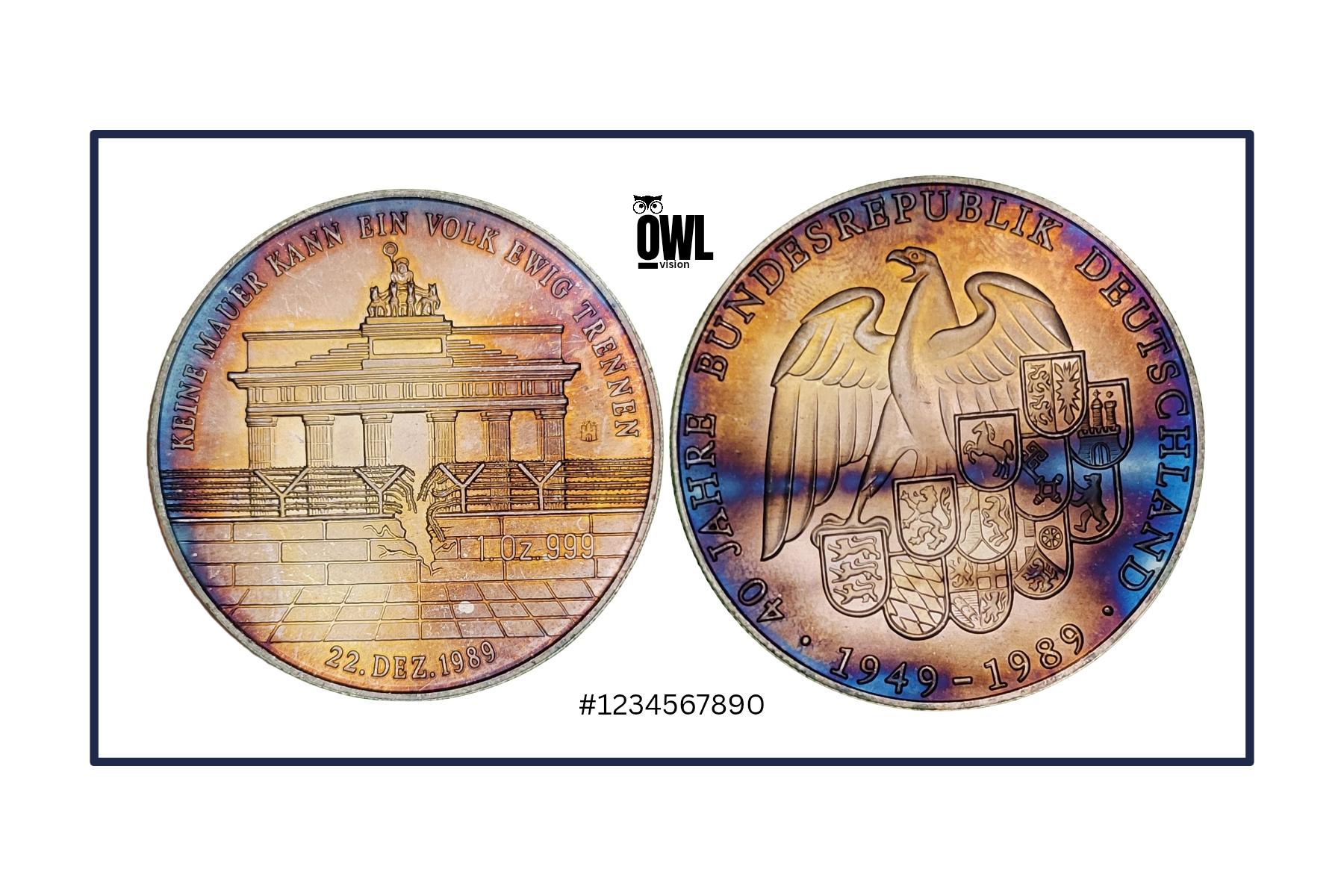
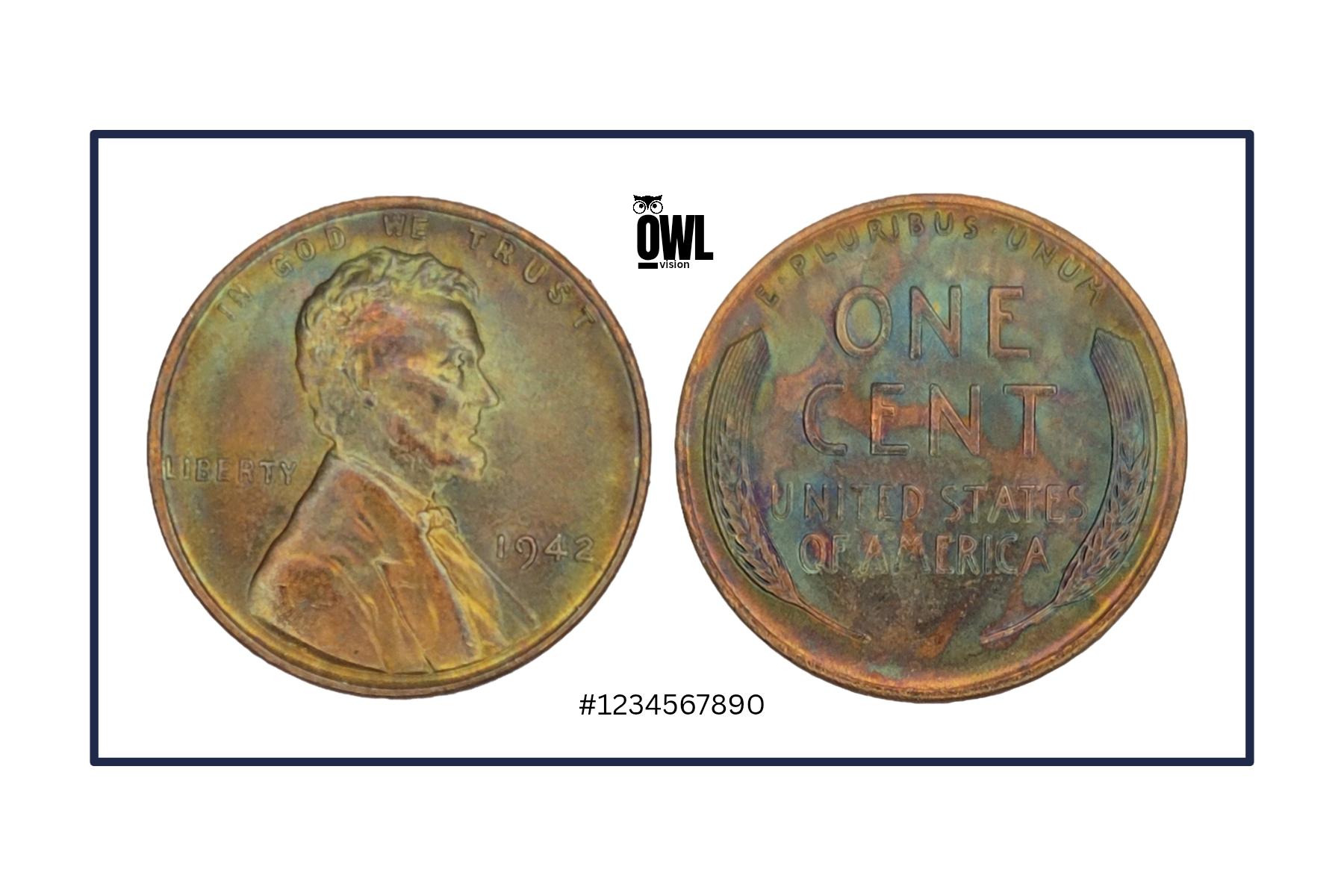
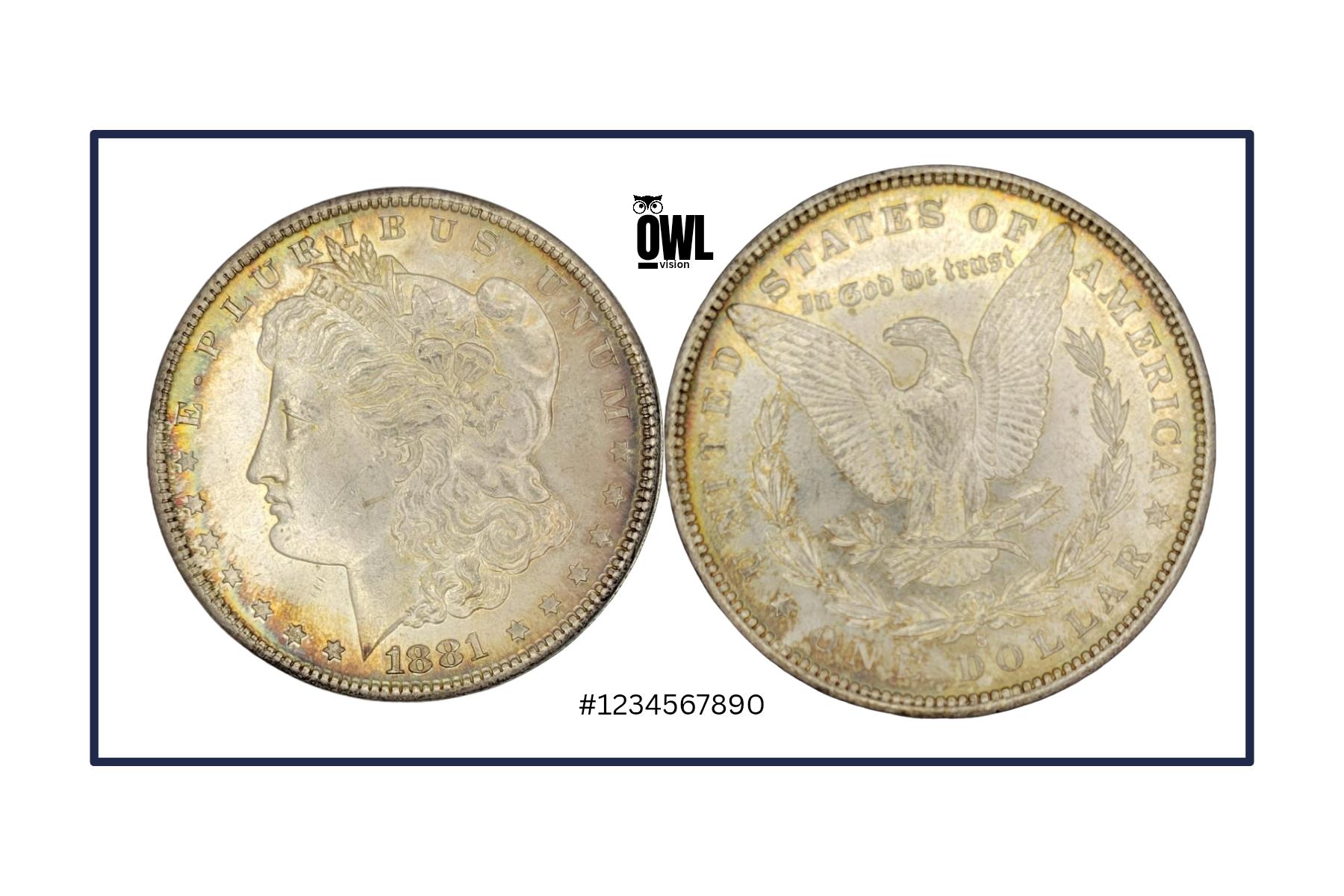
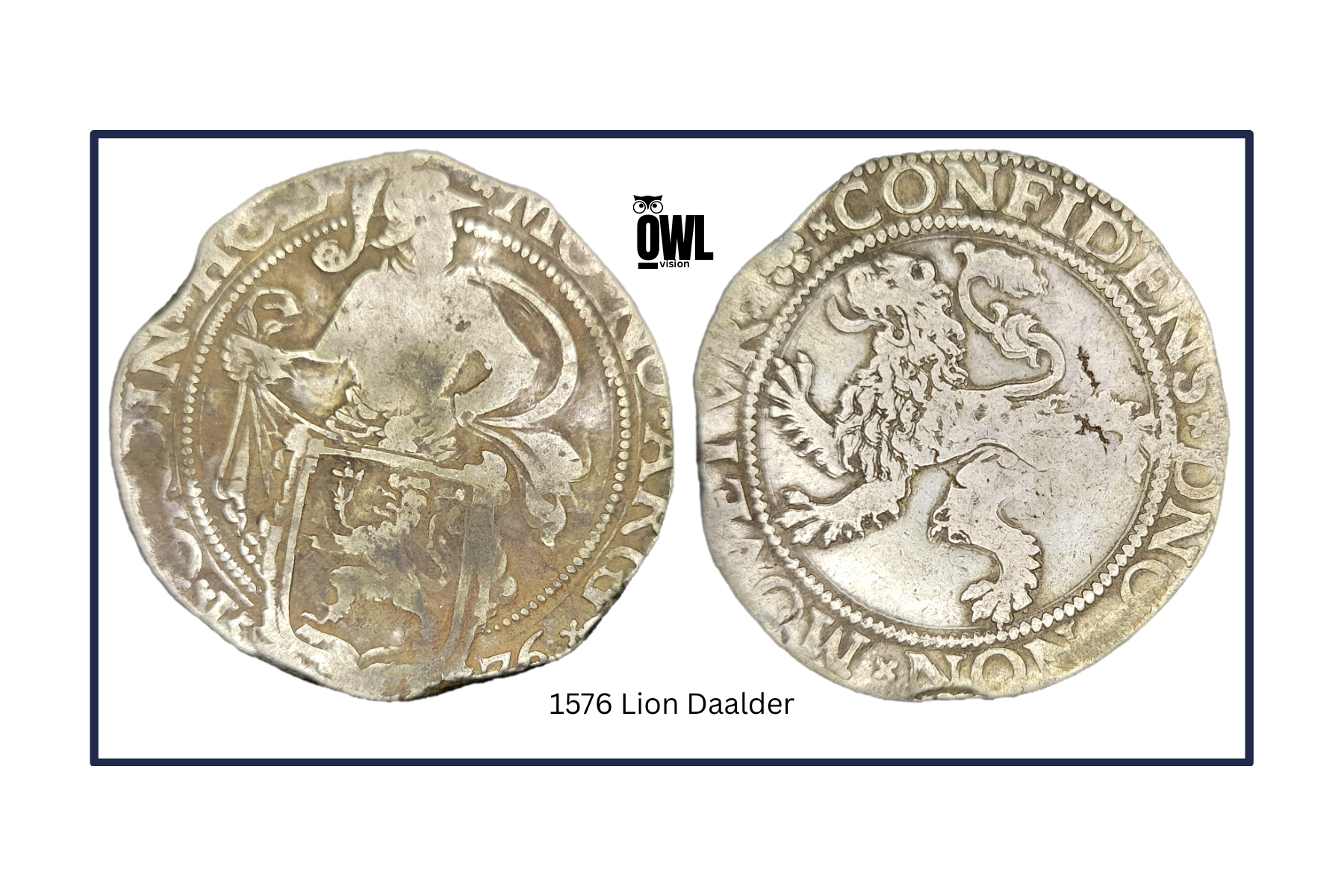
Let’s Get You Set Up
OwlVision turns your iPhone/Android phone into a professional coin studio.
In just a few minutes, you’ll be ready to capture museum-quality photos of your raw coins — perfect for sharing, selling, or documenting your collection.
Step 1: Unbox Your OwlVision Kit
 Inside, you’ll find everything you need:
-
- OwlVision Tube – your precision imaging chamber
-
- Ring Light Clip – for perfect, even lighting
Step 2: Prepare Your Setup
-
- Place your OwlVision tube upright on a stable surface.
-
- Insert your coin so the side you want to photograph faces upward.
-
- Clean your phone’s camera lens with a soft cloth for sharp images.
-
- Clip the ring light directly over your phone’s main camera lens.
Step 3: Camera Settings for Best Results
Open your Camera app and set:
-
- Mode: Photo (avoid Portrait, Night, or HDR modes)
-
- Zoom: 1x (no digital zoom)
-
- Flash: Off – the ring light does all the work
-
- Focus: Tap the coin center to focus
-
- Exposure/Brightness: Lower slightly if highlights look too bright
-
- Grid Lines: On – helps center your coin perfectly
Optional: Set a 2–3 second timer or use a remote shutter to avoid blur when pressing the button.
Step 4: Capture Like a Pro
-
- Hold your phone directly above the OwlVision tube, lens centered.
-
- Keep the phone parallel to the tube opening — no tilt or angle.
-
- Turn on the ring light and adjust brightness until the coin is evenly lit and glare-free.
-
- Tap to focus, adjust brightness if needed, and capture multiple shots — 3 to 5 photos with slightly different exposures.
-
- Review later and choose the sharpest, best-lit image as your final shot.
Pro Tip: The OwlVision tube naturally blocks outside light — focus on getting clean reflections and fine detail in the coin’s fields.
Step 5: Edit & Share
Open your favorite photo app (such as Google Photos or the iPhone Photos app).
-
- Find your photo in your phone’s gallery.
-
- Tap Edit.
-
- Crop out the edges of the OwlVision tube so only the coin remains.
-
- Fine-tune lighting: adjust brightness, contrast, and sharpness lightly if needed.
-
- Save your final image — ready for listings, grading, or display.
Quick Tip:
-
- Android: In Google Photos, you can press and hold on the coin area after cropping to preview the isolated subject, then tap Save copy to keep the version with the background removed.
-
- iPhone (iOS 16 and newer): Press and hold on the coin itself until it “lifts” from the background, then choose Share → Save Image to save the cropped coin alone with a transparent or plain background.
Share your results with the community!
Tag @MerakCoins or use #OwlVision to show off your shots on Instagram.